In short. Before installing a budgeting app, check five things: with or without a bank link, how fast you can enter expenses, how clear the result is, the business model, and control over your data.
1. With or without a bank connection?
This is the first choice, and there’s no wrong answer.
- With a connection: transactions arrive on their own. It’s convenient, but you give a third-party service access to your accounts.
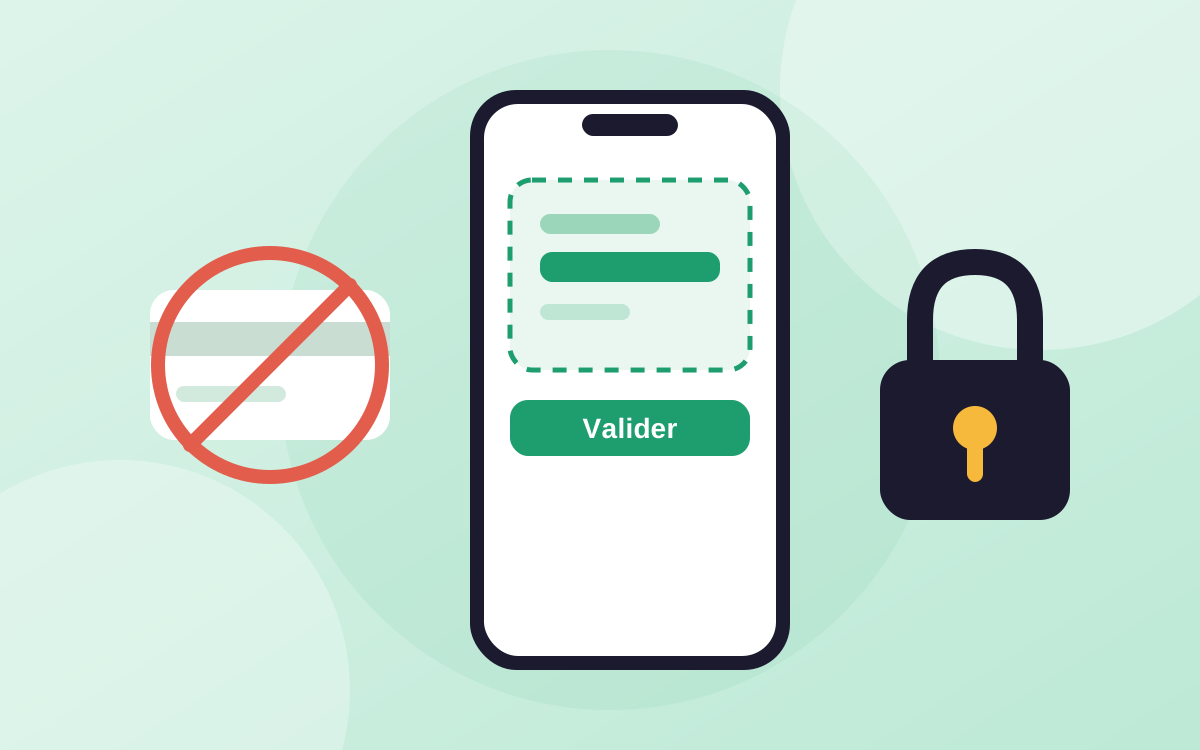
- Without a connection: you share no banking credentials and you control what gets recorded, at the cost of a little data entry. That effort has an upside too: you pay closer attention to what you spend. We cover this approach in a dedicated article.
2. How fast you can enter expenses
An app you have to feed for ten minutes a day ends up abandoned. Look at the shortcuts: importing from a screenshot, scanning a receipt, categories suggested automatically.
3. How clear the result is
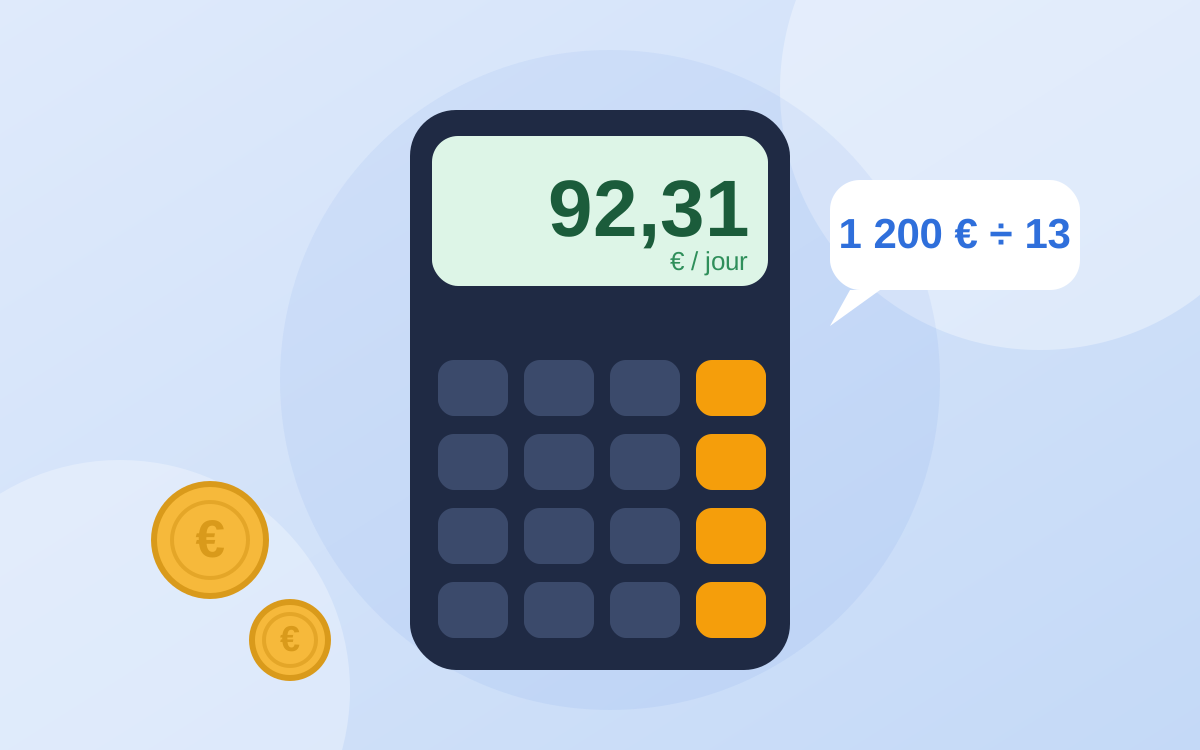
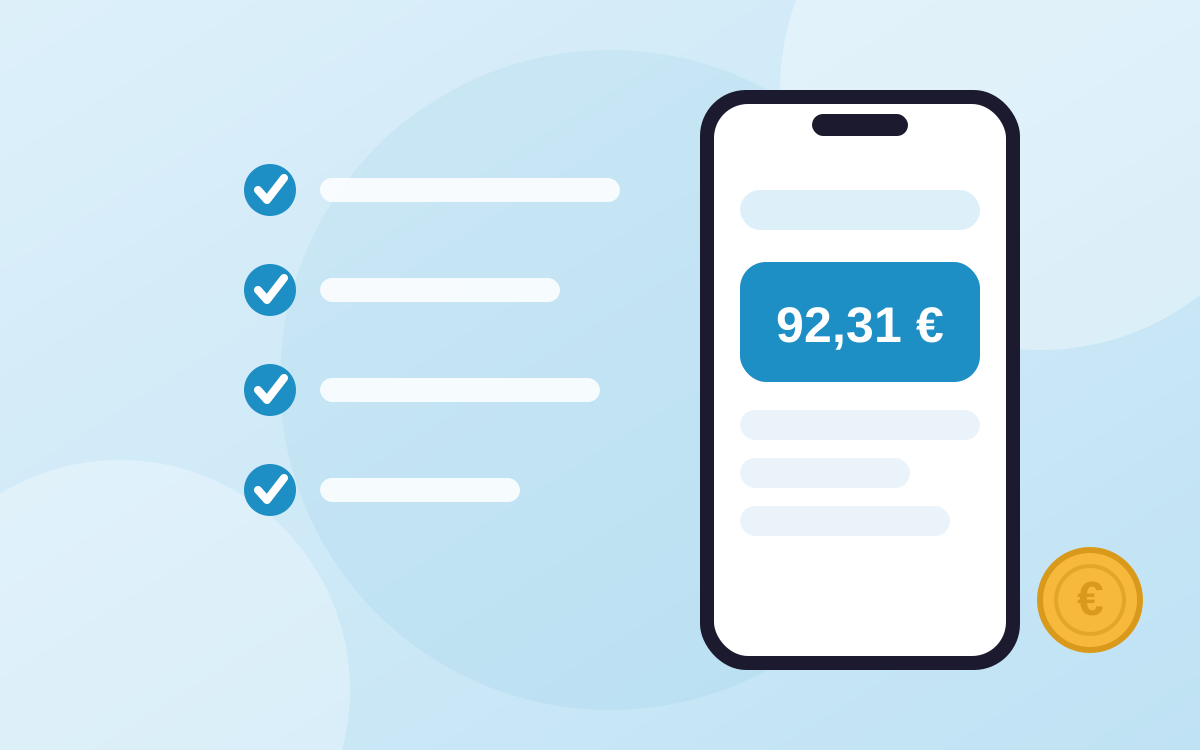
Many tools show charts without answering the real question: “how much can I spend today?” Prefer one simple figure that updates by itself over a dashboard you never read.
4. The business model
An app always has a model: subscription, in-app purchases, advertising or data exploitation. Read the App Store listing: the privacy section says which data is collected. Also check what is free, what is paid, and whether the basic features have limits.
5. Control over your data
A budget is private information. Look for an app that explains clearly what it stores and where, and that lets you delete your account and data. Face ID or passcode lock is a plus.
Other points that matter
- The device: is it available on your phone, or only as a web version?
- The language: are the interface and help in yours?
- Your goals: saving for a dated project, tracking debts between friends, exporting for an accountant or a flatmate.
A simple test before you decide
Install the app and record your first expense of the day. If you understand where you stand within two minutes, that’s a good sign. If you’re still looking after ten minutes, move on to the next one.
What Pockeo does differently
Compared with many budgeting apps, here is what Pockeo offers:
- No bank connection: it asks for no banking credentials.
- A single figure: what you can spend today, recalculated with every expense.
- A cycle based on your payday, not on the 1st of the month.
- Import by screenshot or receipt scan, with your validation before anything is added.
- Everyday features free, with no advertising and no resale of data.
- Three languages: French, English and Spanish.
Its limits, to be transparent: it is available on iPhone and as a web app you can install on Android, but there is no native Android app yet, and no automatic bank synchronization.
In the interest of transparency: this article was written by Pockeo, the publisher of the app. The figures quoted come from the sources listed at the bottom of the page; the Pockeo features described are those of the app at the time of publication. This content is general information, not personalised financial or legal advice.