In short. A budget without a bank link rests on three routines: record each expense when it happens (ideally from a screenshot or receipt), do a quick check each week, adjust at payday. You gain privacy and awareness of what you spend; you lose the automation.
Why some people prefer not to link their bank
Linking accounts saves time, but some people prefer to share no access with a third-party service. Others simply want to decide for themselves what gets recorded. There’s no right or wrong choice: it’s a trade-off between convenience and control.
Routine 1 — Record the expense when it happens
The secret of a manual budget that lasts is not to let things pile up. An expense noted within the minute takes ten seconds. Ten expenses noted on Sunday evening take a quarter of an hour of approximate memory. Screenshots are your allies: the payment shows on your phone, you import it, you validate.
Routine 2 — Do a quick check each week
Five minutes, always on the same day. Check that the big items (groceries, transport, going out) match your reality, and catch up on anything forgotten by looking at your account statement. It isn’t automatic tracking: it’s a check.
Routine 3 — Adjust at every payday
At the start of each cycle, update your income, fixed bills and savings. A budget that doesn’t follow your life ends up wrong, and a wrong budget is an abandoned budget. The full organizing method is in this article.
The advantages
- Privacy: no banking credentials are shared.
- Awareness: writing an expense down, even in ten seconds, makes you notice what you spend.
- Control: you decide what goes into your budget.
The limits, frankly
- You have to remember: if you forget to record, the figure becomes wrong without you knowing.
- No synchronization: nothing updates by itself.
- A settling-in period: the first weeks take a bit of discipline.
What Pockeo does to reduce the effort
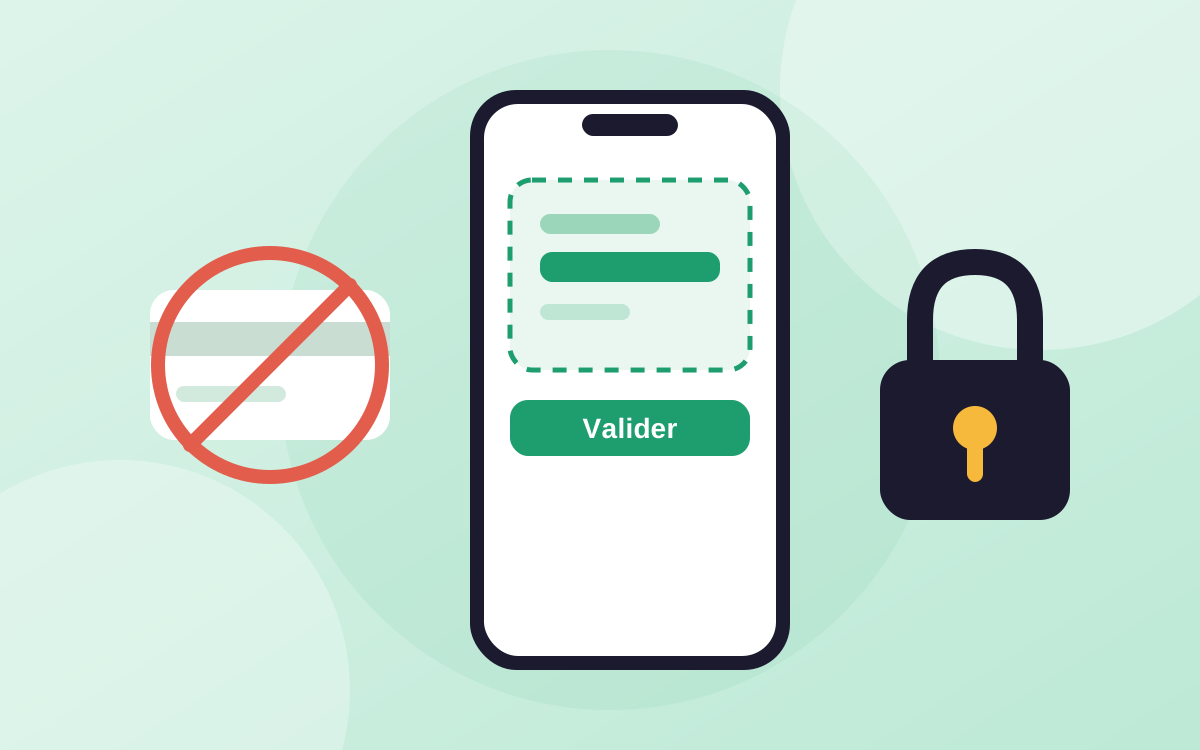
Pockeo is designed for entry without a bank: you import an expense from a screenshot (Apple Wallet, a payment app or your bank), or you scan a receipt. The app reads the merchant, the amount and the date, spots duplicates, and nothing is added without your approval. The reading happens on your iPhone: the screenshot is never sent to Pockeo’s servers. On the free plan you can import 5 expenses a day; Premium adds unlimited import and receipt scanning by photo.
In the interest of transparency: this article was written by Pockeo, the publisher of the app. The figures quoted come from the sources listed at the bottom of the page; the Pockeo features described are those of the app at the time of publication. This content is general information, not personalised financial or legal advice.